How do I make a Quick Pick bet In Prop Builder?
By choosing Quick Picks you can make your selections based on pre-built props for game, team and individual player markets.
Where can I locate these props?
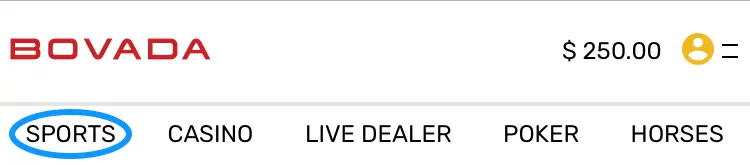
1. Click the Sports tab at the top of the page;
2. Click on the Player Props icon under All Sports in the navigation bar;
To place a Quick Pick bet follow these simple steps:
1. The Quick Pick mode shows by default once you load the Prop Builder tool. Once it does, you can select the prop and the game you wish to bet on;
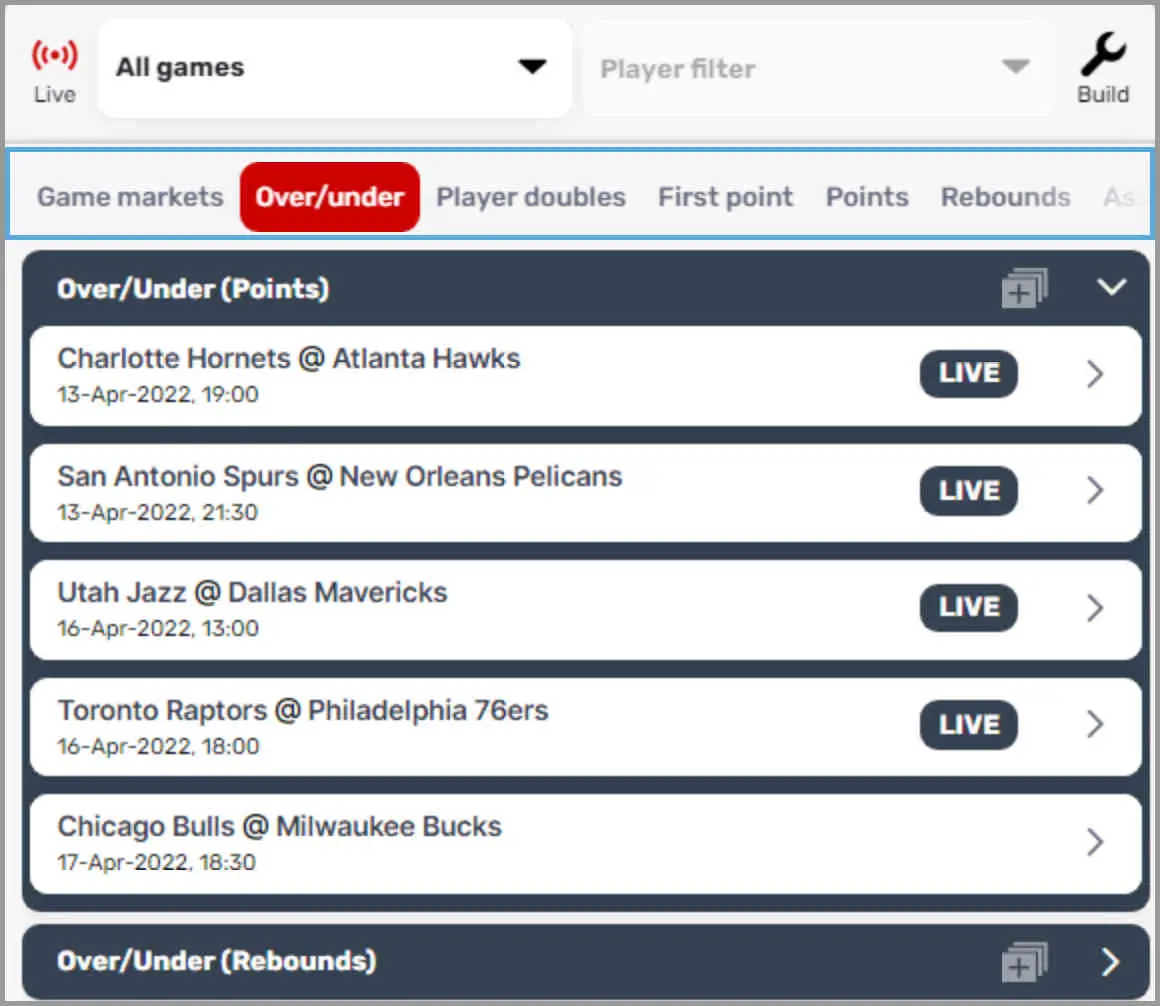
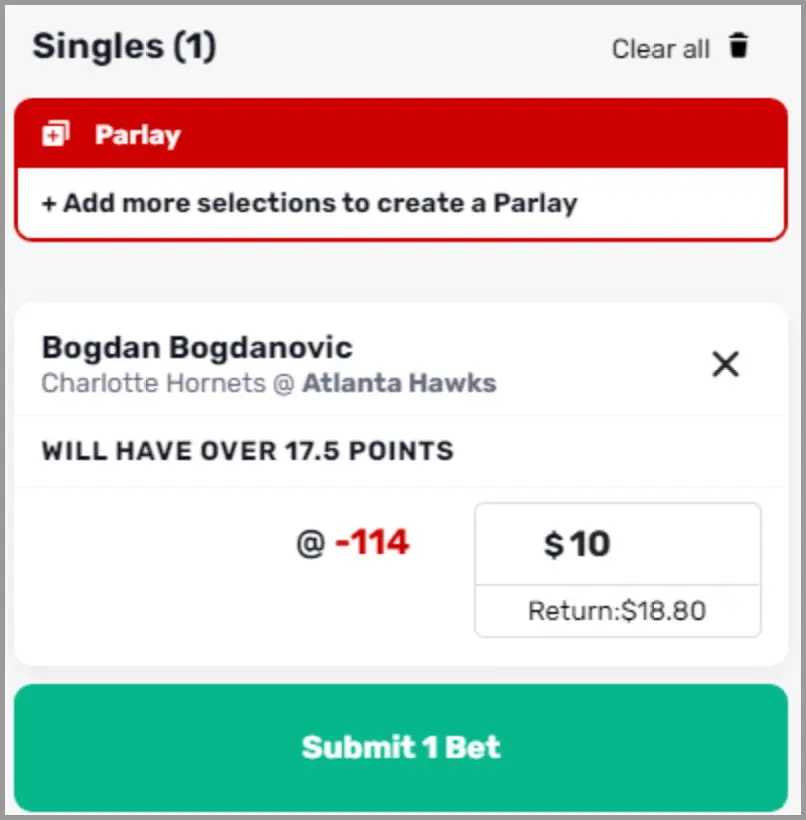
2. Make your pick from the available options and it will be added to your Bet Slip;
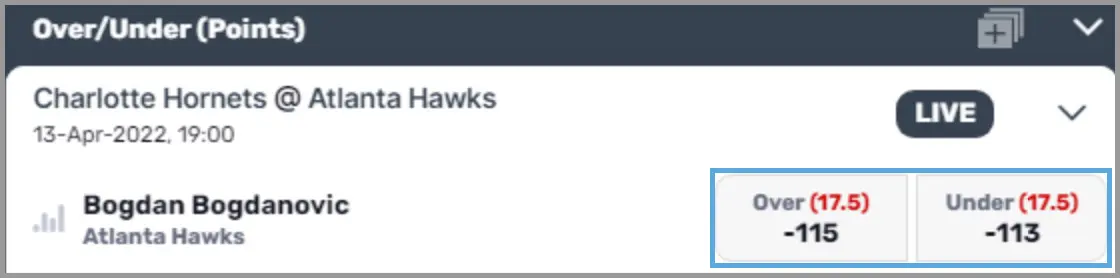
3. Enter your risk amount in the Bet Slip, confirm your details and click Submit Bet;
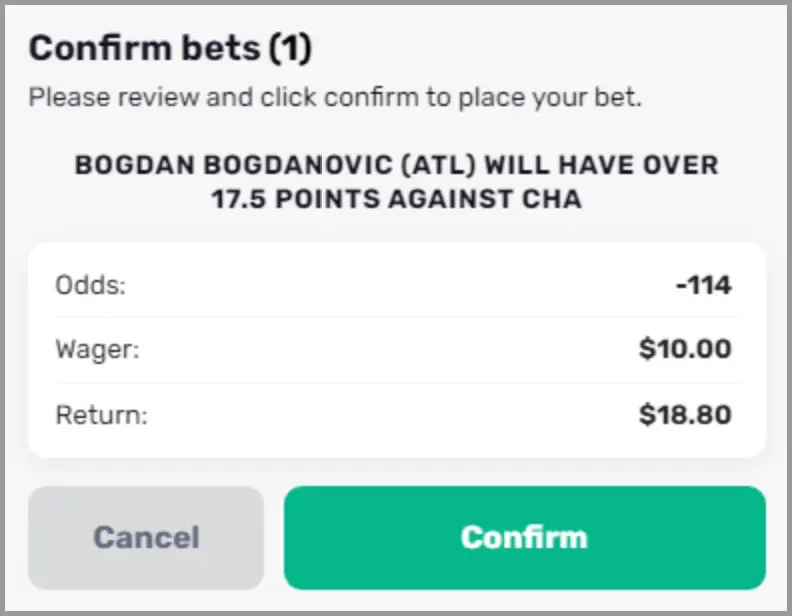
4. You will then be presented a confirmation screen to lock in your wager, click Confirm;
5. Progress for each wager can be tracked by clicking on the a) Burger Menu (three horizontal line) at the top right of the Bet Slip and b) clicking My Bets;
a) 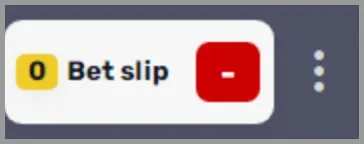 b)
b) 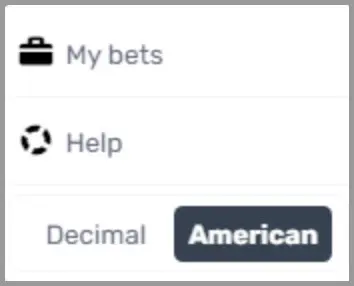
IMPORTANT REMINDERS
- Prop builder odds are sourced from a 3rd party; therefore, they might be different at times from odds on the main game tab.
- Wagers placed through the Prop Builder tool CANNOT be combined with wagers placed in the Sportsbook;
- You cannot place a single wager on any Game Market wagers - these must be combined in a parlay with a player performance prop;
- Settlement for wagers placed through the Prop Builder are subject to the rules outlined in the tool itself - not the standard Sportsbook Betting Rules;
- Prop Builder rules are found by clicking the 'i' icon within the Build Your Bet tool and then 'More Help, FAQ, Rules' at the bottom of the pop-up window.
Did you find what you were looking for?